AI video that doesn't look obvious: no plastic feel, doesn't scream 'AI' at first glance
Using AI for video ads is totally fine. Viewers judge the final output, not what you used to make it.
Penny Dinh · October 28, 2026
Scroll through TikTok or Facebook these days, and you'll see tons of ads cut from the exact same cloth: an AI avatar staring blankly into the camera, porcelain-smooth skin, droning through a script like an evening news anchor.
And right below them, you'll usually find tutorials promising the world: "one prompt for a 90-second video," "no camera, no actors, non-stop sales."
I already wrote about this in Everyone's Talking Way Too Much About AI Agents: a single prompt won't generate a video that converts. This post is the follow-up. I want to break down how to make AI videos that don't look painfully fake—and actually sell.
But first, let me ask you: are viewers scrolling past because the video is AI, or because it completely misses their actual pain points?
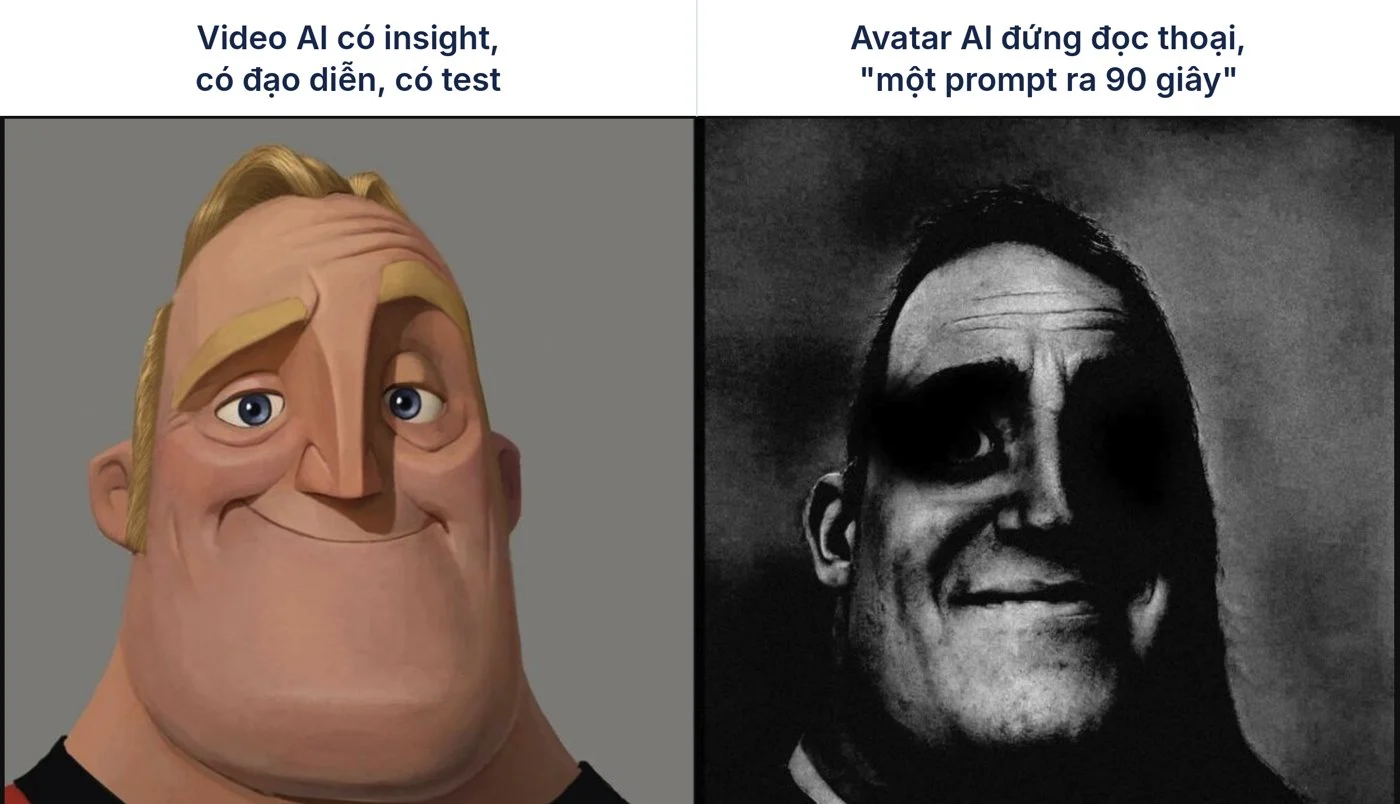
People don't hate AI—they hate fake, cringe videos
Viewers can spot an AI video in a heartbeat these days. But what makes them swipe away usually isn't the fact that it's "AI." It's all the dead giveaways that make it feel completely unnatural:
An avatar talking straight into the lens like an emotionless robot.
Skin that's unnaturally smooth, lighting that's too flawless, a room that's suspiciously spotless.
Hands gripping products with zero physics, mangled fingers, floating objects.
A monotone voice with no pauses, no breaths, no humanity.
Stunning visuals that say absolutely nothing about the viewer's problems.
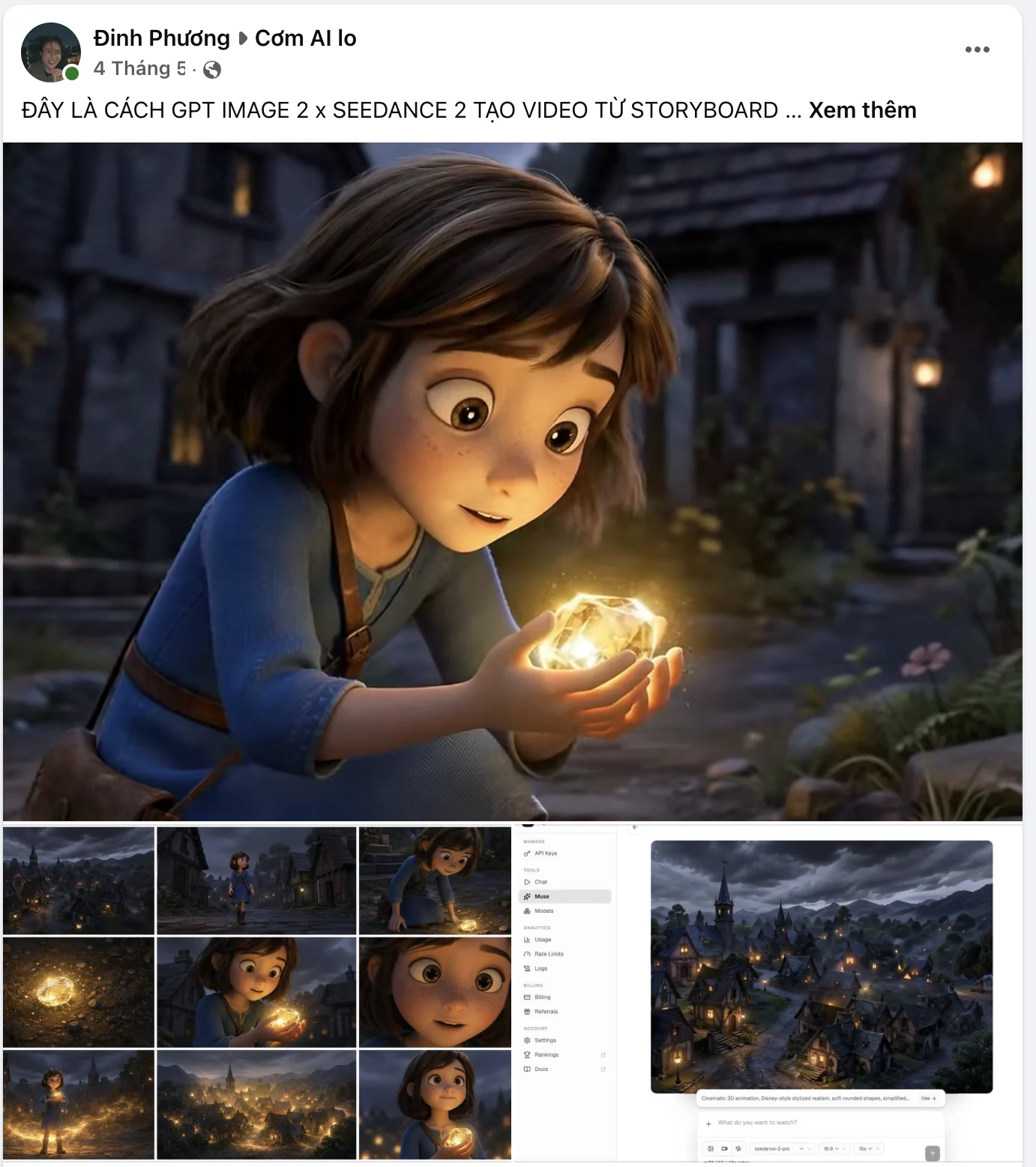
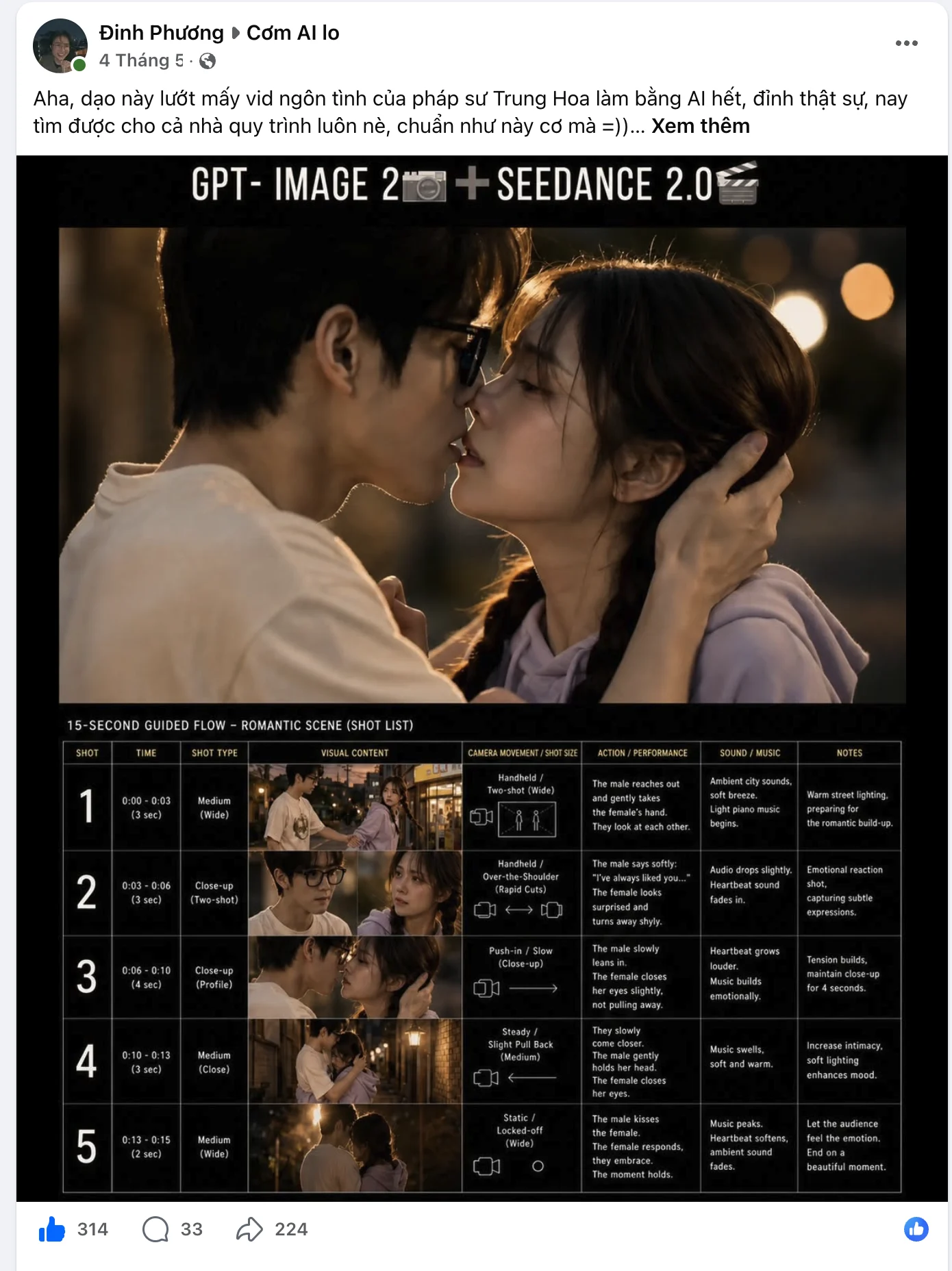
Notice a pattern? The first few are just technical glitches—they can be fixed. It's that last one that's fatal. And that's not a software problem. It happens when the creator doesn't deeply understand the customer before opening the tool.
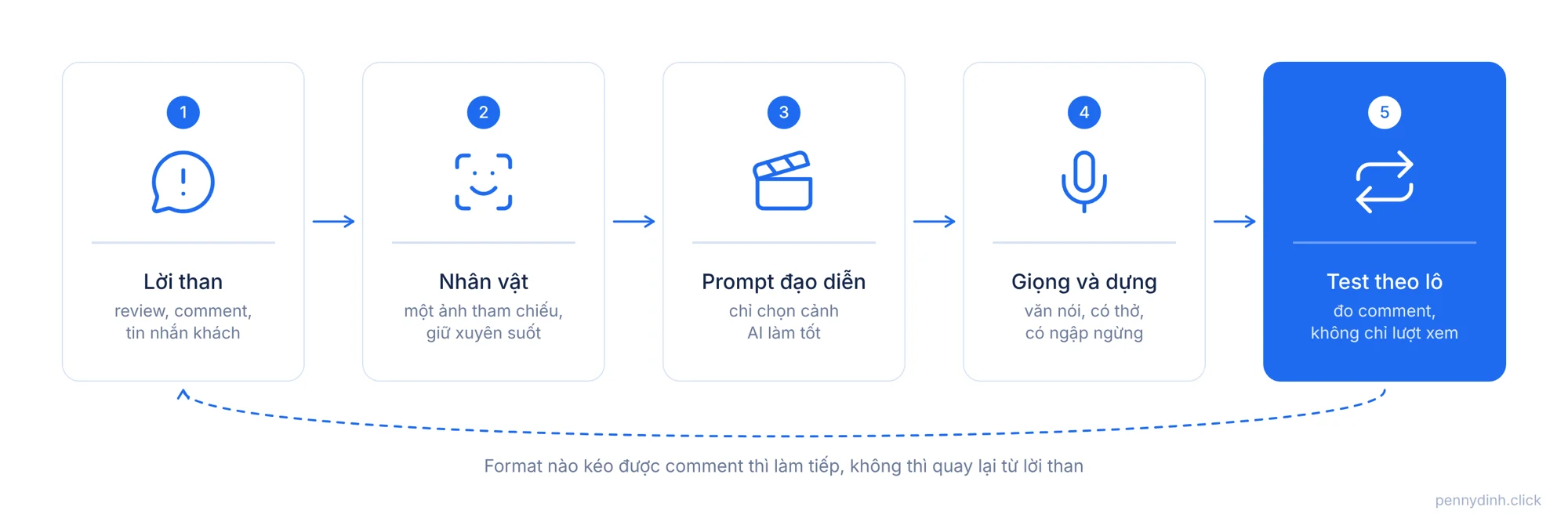
Start with real customer complaints, not a prompt
Creative Director Shlomo Genchin shared a great case study on Marketing Ideas about an ad he made for HiBob, a $2.7B HR tech company. They didn't shoot a single frame. The main character was "Emma," an overwhelmed payroll manager who doesn't exist. Even the beach in the video was AI-generated. Yet, that ad became one of HiBob's top performers.
The lesson isn't the tools he used. It's where he started: digging through real customer complaints, and then building the character and script entirely around that pain.
For any e-commerce brand, customer complaints are everywhere: 1- to 2-star reviews on Shopee or Amazon, comments on competitor videos, recurring questions in Facebook groups, pre-purchase DMs.
Emma didn't need to be real. But Emma's exhaustion had to be real. Viewers saw themselves in her shoes—and suddenly, nobody cared that she was AI.
What is Seedance, and why you should prompt like a director
Seedance is ByteDance's video generation model. It's gained a lot of traction among advertisers because its motion and lighting look remarkably close to real live-action footage. I'm currently using version 2.5 for most scenes featuring people.
No matter how powerful the tool is, though, it only delivers what you tell it to. A prompt like "a happy woman using a product" will give you the exact generic slop flooding your feed right now.
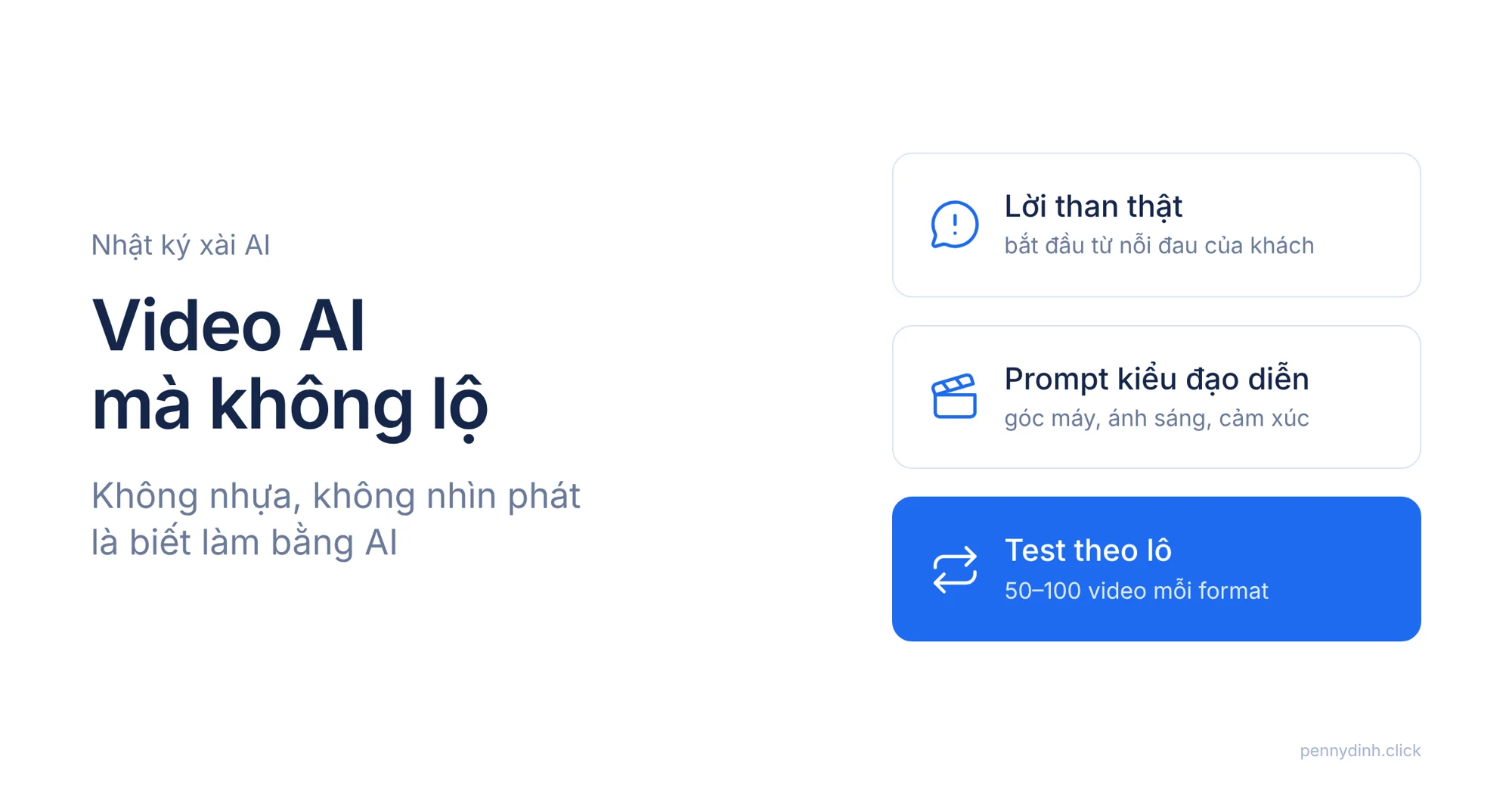
The way I prompt now is like a director giving precise cues to a cinematographer. Every prompt answers six specific questions:
- Who is in the frame, what do they look like, and what are they wearing?
- What are they doing, and what emotion are they feeling?
- Where are they, what time is it, and what's in their environment?
- Camera angle and shot size: close-up, medium shot, over-the-shoulder?
- Camera motion: static, panning, handheld jitter, or locked on a tripod?
- Lighting: desk lamp, warm late-afternoon sun through blinds, laptop glow?
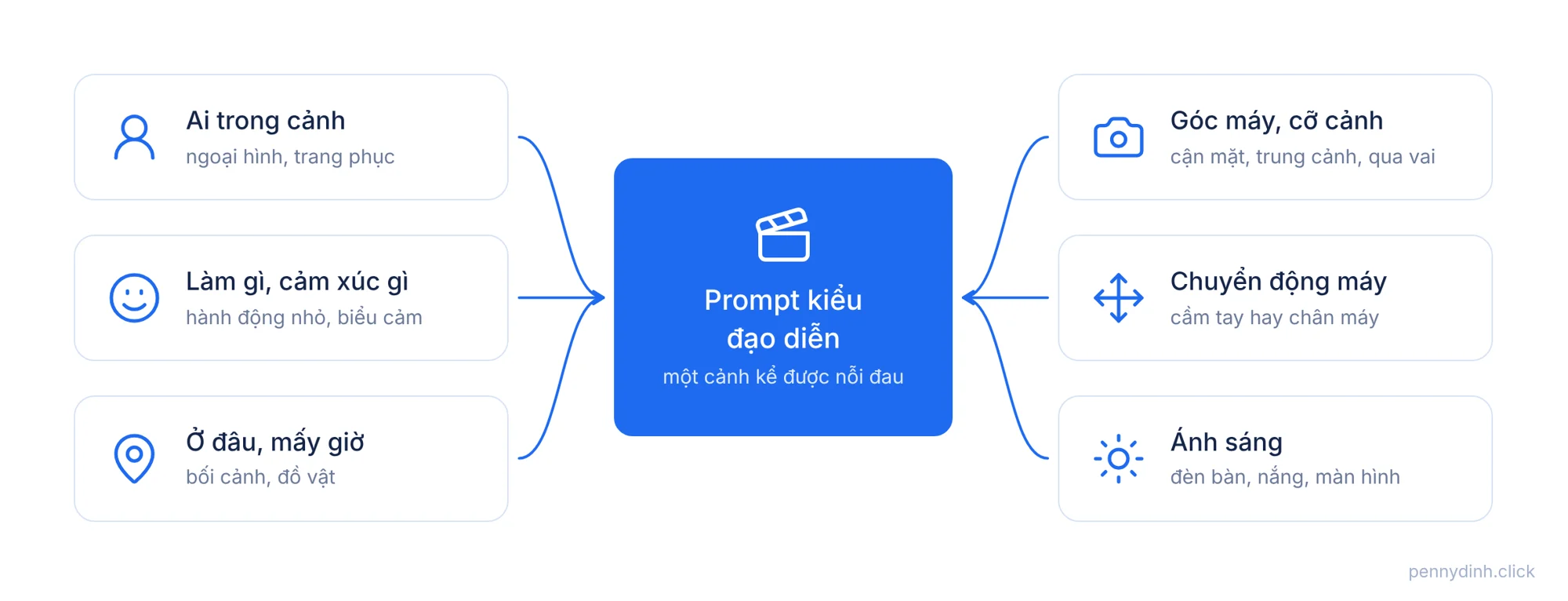
For example, instead of "office worker with back pain," I write: a woman in her early 30s sitting at a home desk at 10 PM, supporting her lower back with one hand, wincing slightly as she shifts in her chair; medium shot, subtle handheld shake; lighting coming strictly from her laptop screen and a single warm desk lamp. That scene sells the pain before the character even opens her mouth.
Keep one consistent character—don't show three different people
The deadest giveaway in a multi-scene AI video: scene 1 has one face, and by scene 3, it's a completely different person.
How I solve this: generate the character using a consistent reference image first, lock down their wardrobe and setting, and use that exact image across every single scene. If a generation drifts from that face, scrap it. Don't tell yourself "they probably won't notice." They will.
Lean into what AI does well, avoid what breaks it
I had to learn this the hard way after burning a ton of credits.
When producing a video for an ergonomic seat cushion in the US market, the entire video was AI-made. I came away with one golden rule: pick formats AI naturally handles well. Don't blindly copy a competitor's winning ad if that ad requires live-action stunts.
UGC-style talking heads, where a person shares their story: AI crushes this.
Scenes needing realistic physical force—pressing, squeezing, stretching, or precisely pointing to a body part: AI glitches out constantly.
Instead of forcing AI to do things it sucks at, rewrite your script around its strengths. Viewers don't know what your original script looked like. They only care if the final video looks believable.
The voiceover is usually the biggest giveaway
A lot of AI videos look decent visually, but the second the audio starts, the illusion shatters.
Default AI voices are way too "clean": perfectly paced, zero breathing, zero hesitation. Real humans don't talk like that. They pause mid-sentence, chuckle slightly, emphasize the wrong syllable, or toss in an "um" before sharing something vulnerable.
Direct your voiceover just like you'd direct a voice actor: where to sigh, where to drop to a whisper, where to pick up speed out of pure excitement. Write your scripts the way people actually speak—short, punchy sentences with natural breathing room.
What worked for me: test in batches, stop hunting for a single silver bullet
If there's one major takeaway from making AI videos, it's this: don't pour all your energy into one "perfect" video.
For our current organic video campaigns, we test 50 to 100 variations per format, and we measure success by comments, not just views. Views tell you if your hook stopped the scroll. Comments tell you if the message actually resonated. Plus, every video runs on a single call to action: comment a keyword to get the link sent automatically via DM.
AI doesn't magically make a video great. What it does do is slash the cost per experiment, letting you test way more variations and learn 10x faster. That's honestly why I built an automated batch AI video tool in the first place.
"Not looking like AI" doesn't mean deceiving your audience
Let's be crystal clear here.
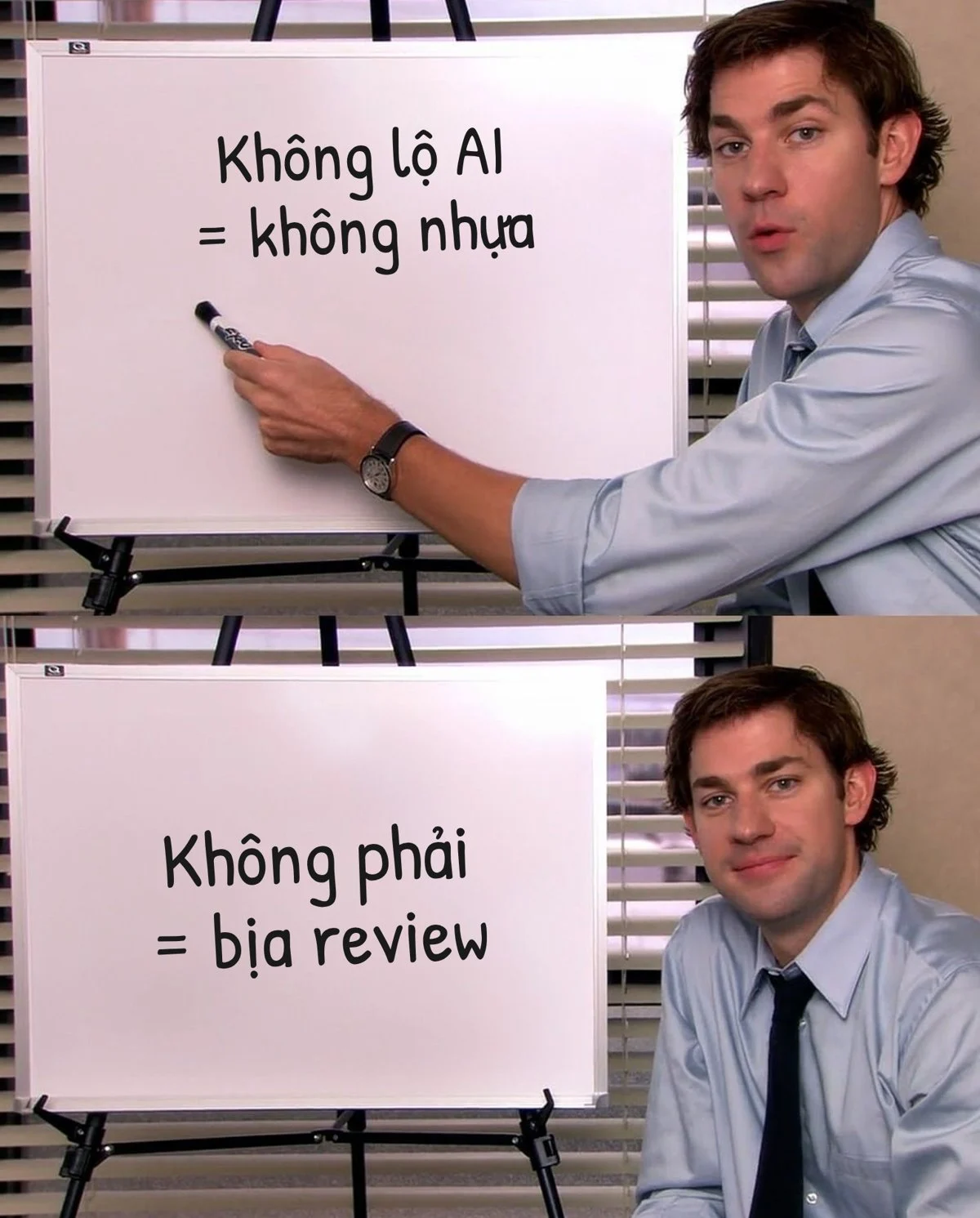
When I say "don't make it look like AI," I mean making videos that aren't clunky, plastic, or cringe-inducing. It does NOT mean inventing fake customer reviews, forging testimonials, or having an AI doctor push snake oil.
A persona like Emma is simply a representative character—no different from hiring an actor for a TV commercial. But spinning up a video claiming to be "Sarah, a loyal customer of 3 years" when Sarah doesn't exist? That's a totally different line. Plus, ad platforms are actively cracking down and requiring labels on realistic AI content, so make sure you read the platform policies before running ads.
A great AI ad is one where viewers see their own struggles reflected back at them. It's not about tricking anyone.
Bottom line: AI replaces the camera crew, not the director
AI can handle most of what a production crew used to do: actors, locations, lighting, voiceovers. But answering the core questions—"What are we shooting, who is this for, and what should they feel?"—still falls squarely on you.
So before you type your next prompt, pause and ask yourself:
What are customers actually complaining about? Does this character reflect someone they see themselves in? Is this a shot AI can pull off cleanly, or am I forcing it? And am I banking on one single video, or gearing up to test a batch?
Get those answers right, and whatever tool you end up using will produce significantly better ads.
Good luck :) Here's hoping your next video gets way more real engagement and zero "is this AI?" comments.
P.S. If you want to batch-produce AI videos to test multiple formats at once, I built a dedicated AI Video Tool. Check out the demo here.