What is Claude Skill? What marketers should understand before installing yet another AI tool
Whether it's Claude Skill, GPTs, or Gemini, they all have a 'Skill' feature—and this is how you train AI to follow your exact workflow.
Penny Dinh · October 28, 2026
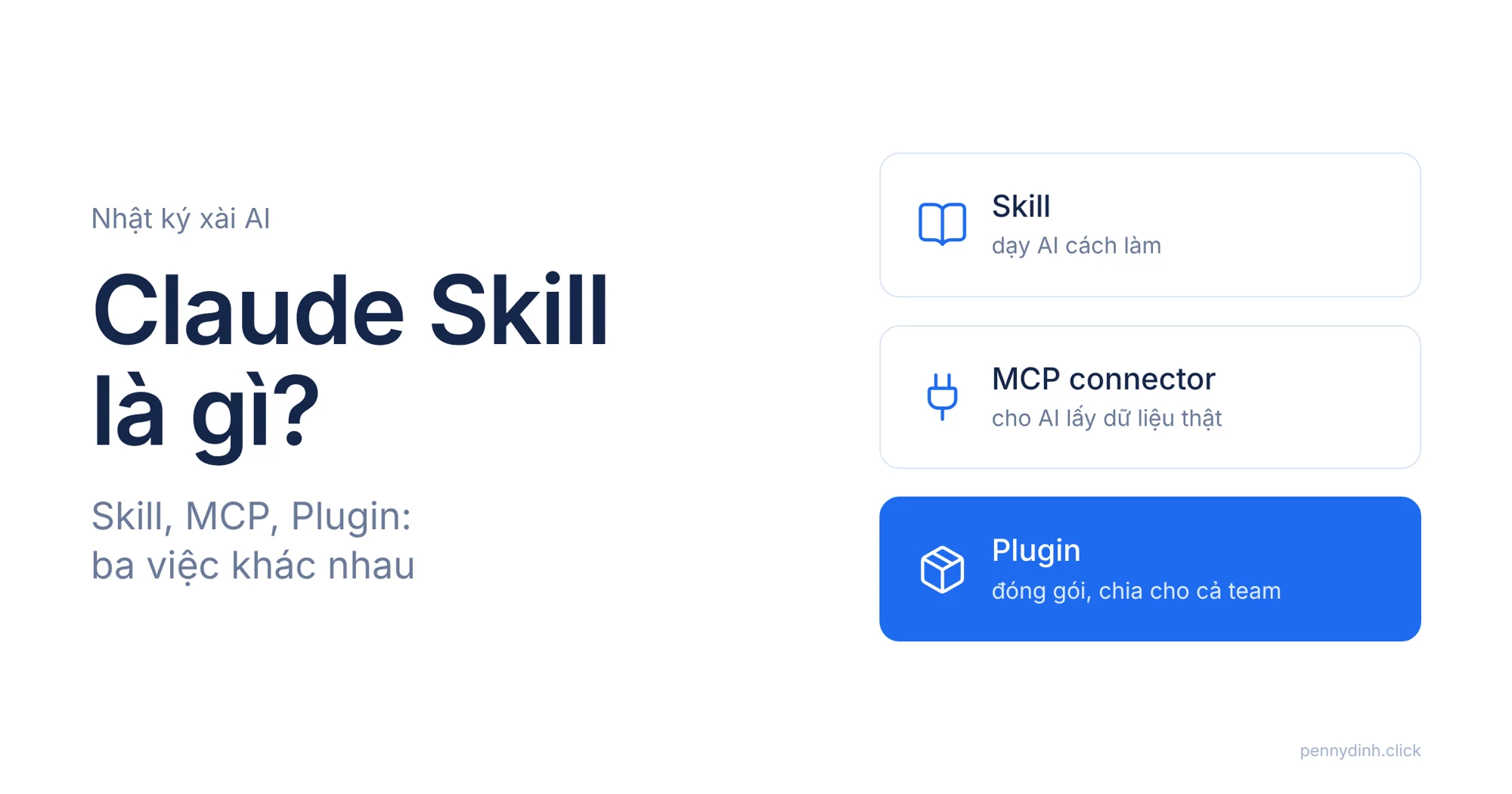
Lately, whenever I open Claude and head into Customize, I notice pretty much everyone having the exact same reaction: Skills, Connectors, Plugins, MCP... what on earth is what? And now they're popping up across every major AI platform like ChatGPT and Gemini.
So, what actually are Skills, Connectors, Plugins, and MCP?
The names all sound pretty similar. People online use them interchangeably. One video claims "install these 50 skills and AI will run your entire team." Another post warns "if you don't know MCP, you're falling behind."
And so, a lot of marketers do the exact same thing: hoard more stuff. Install skills, install plugins, flip on connectors. Then sit there staring at the screen... clueless about where to actually use them.
Before installing anything else, I think we need to ask one question: are you lacking a process, lacking data, or lacking a way to share the whole setup with your team? Because those are three completely different problems, and Skills, MCP, and Plugins were each built to solve a specific one.

What is a Claude Skill? It's a process you teach AI, not a toggle you turn on
In short: a Claude Skill is a set of pre-written instructions, sometimes packaged with a template file or a small script. Claude automatically pulls it up whenever your prompt matches the job that skill is responsible for.
Skills teach Claude how to do things. Your team's weekly report format. A pre-publishing approval checklist. The brand voice to maintain. A sales page framework tailored to a specific industry.
Put simply: anything you find yourself repeating to AI for the third or fourth time in the exact same way... that's your prime candidate for a skill.
Writing a skill doesn't require coding either. Most of it is just plain-text instructions in a file. You only need code if you want to attach scripts for specific calculation steps.
But skills have one major limitation: they can't reach outward on their own. They won't magically open Google Sheets, log into your CRM, or check your calendar. They only work with what you paste into the chat, or what Claude has already been given explicit access to.
And that's where MCP comes in.
What is MCP in AI? The pipeline that lets AI touch real data
MCP (Model Context Protocol) is an open protocol that lets Claude talk to external tools and data sources. Each specific connection—like Google Drive, Notion, Linear, or your CRM—is called an MCP connector.
Turn on a connector, and Claude can read data from that service and take actions within it, strictly within the permissions you've granted.
It's not that AI suddenly got smarter. It's that AI can finally see your data.
Remember my post There's Too Much Noise About AI Agents? The question I asked there was: where is the AI actually pulling its data from? MCP is the technical answer to that question. Without connectors, any agent is basically just guessing.
One detail people often overlook: connectors come with permissions. When adding a connector, you review what it's allowed to do, then fine-tune each action: always allow, ask every time, or block entirely. Don't just hit "allow all" out of laziness.
A Plugin is a packaged bundle, not an upgrade to a skill
A plugin bundles skills, connectors, slash commands, and sub-agents into a single package. You install it once, and it's ready to share across your entire team.
A lot of people think plugins are just a "pro version" of skills. Not at all. These three aren't ranked hierarchically. They do three distinct jobs:
- Skill = process: how to do it.
- MCP connector = access: where to get the data.
- Plugin = distribution: who gets to use it.
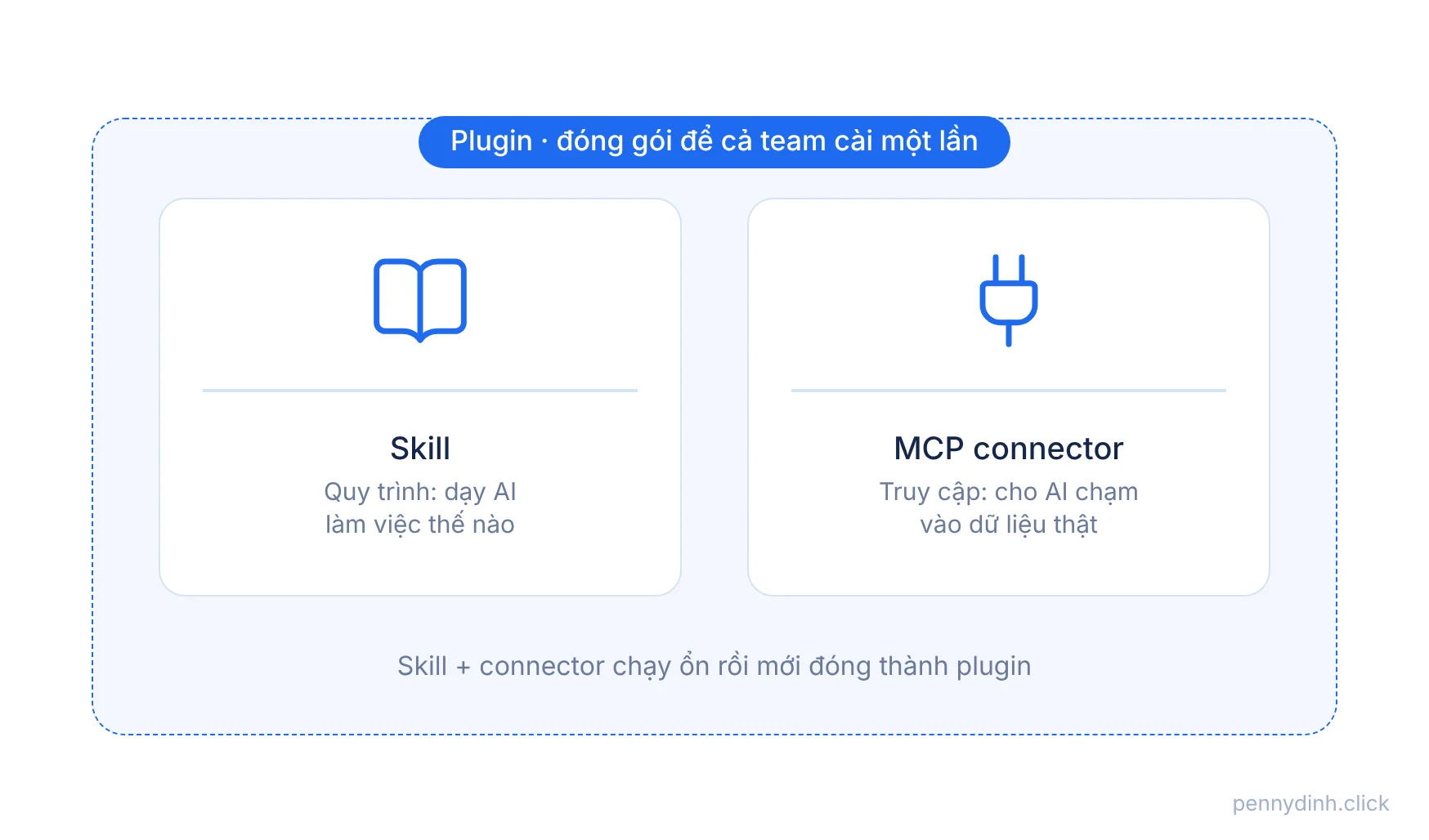
A connector without skills still works—Claude just guesses how to query the data. A skill without connectors still works—it just can't touch live data. A plugin only makes sense when you have multiple moving parts that need to be packaged together for multiple people.
A very marketer-specific example: Monday morning ad reports
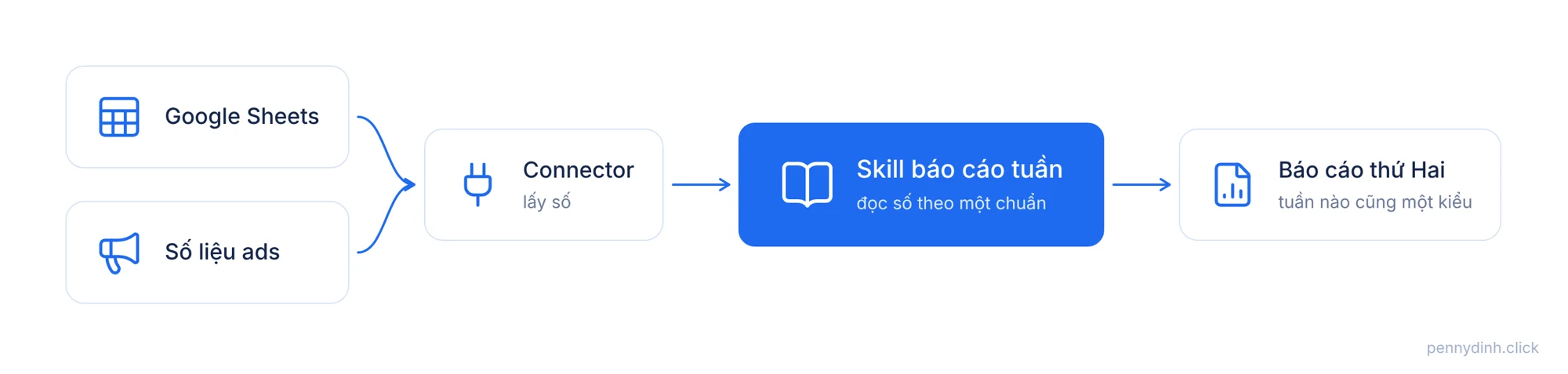
Say every Monday morning you have to submit a weekly ad performance report to your boss.
With only a connector: Claude pulls the numbers from Google Sheets, but presents them differently every single week. You still end up editing it by hand.
With only a skill: the format is spot-on and clean, but you still have to export the metrics manually and paste them in.
With both: the connector grabs the numbers, and the skill dictates how to interpret them. Which metrics matter. Which campaigns to flag. What tone to use for takeaways. Every week, the output hits the exact same standard—and whoever on the team runs the prompt gets the exact same result.
Then, when 3 to 5 people on the team need that exact setup, that's when you bundle it into a plugin. Everyone installs it once, instead of hunting down each piece themselves.
How I do it: skills first, connectors second, plugins last
I didn't start with plugins. I started with whatever I was repeating the most.
For sales pages, I wrote the skill first: industry-specific frameworks, offer packaging, Vietnamese copywriting voice. At first, it was just a few instruction files. Run tests, tweak, re-run. Over and over.
Once the output became consistent enough, I split it into connected skills and bundled them together. Now, just calling the right name kicks off the whole sequence.
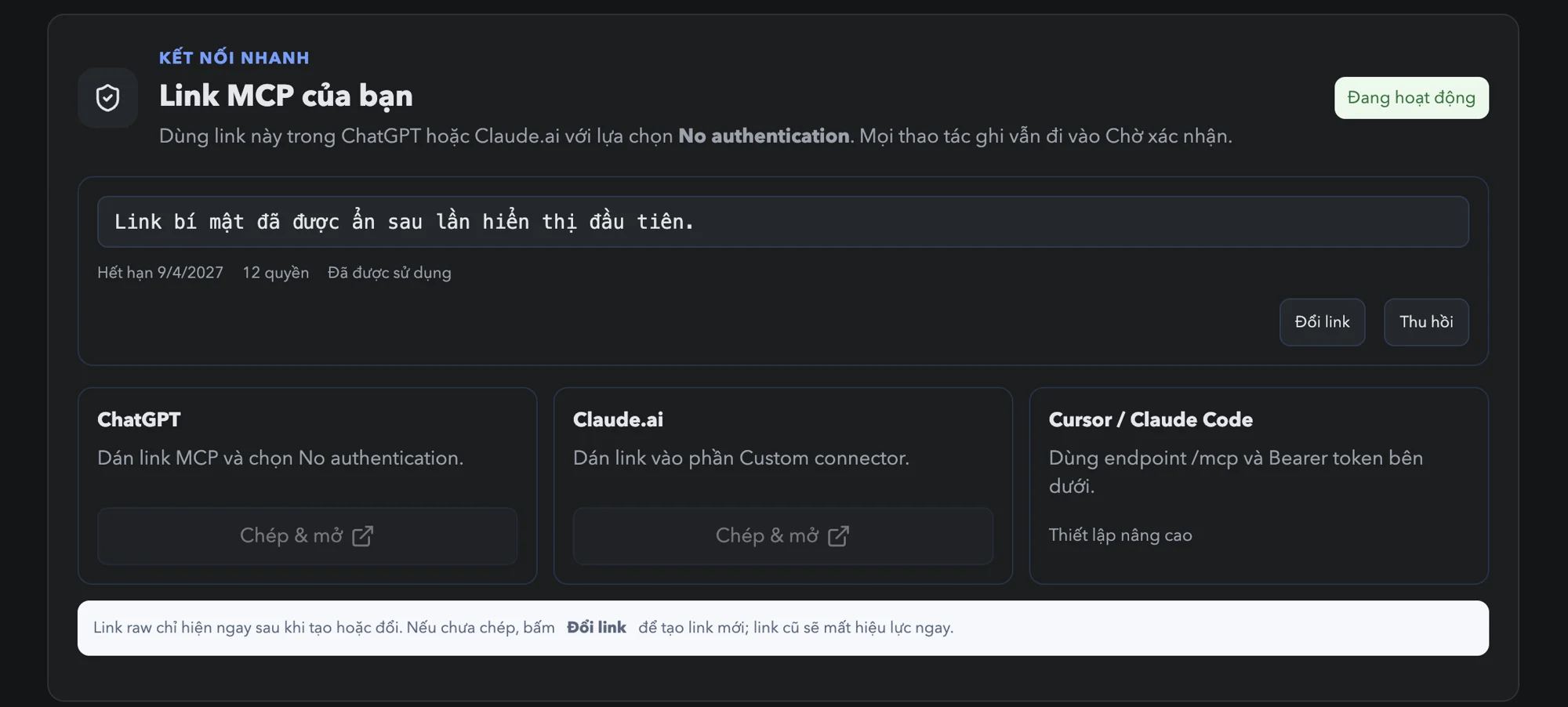
As for connectors, I hooked Claude up to my own task management system via MCP. From there, Claude reads tickets directly: what's in progress, what the requirements are, where deliverables go. I don't have to re-paste context every time I start a new chat. In fact, the article you're reading right now started from a ticket just like that.
What I've learned after several months: order matters more than quantity.
Which one should you pick? Answer these four questions before installing anything
Are you correcting AI in the exact same way for the third time? → Write a skill.
Does AI need to see data outside the chat window? → Turn on a connector.
Does more than one person need to use the exact same setup? → Bundle it into a plugin.
None of the above? → You probably don't need to install anything. A well-written prompt is more than enough.
Always start with the smallest layer that solves your problem. If a skill already gets the format right, don't rush to bundle it into a plugin just because it sounds "more professional."
Stop hoarding skills like shiny new tools
I get why those "50 must-have skills" lists go viral. They give you the illusion of fast progress.
But someone else's skill was built for their workflow. Their clients. Their definition of "good output."
Without your own underlying process, any skill is just a pretty demo.
The best skills are usually the ones you write yourself, based on tasks you've done manually enough times to know where things break, what needs fact-checking, and where AI tends to hallucinate. Just like I wrote in my post about AIOS: AI only amplifies what you already understand deeply.
You're not lacking skills. You just haven't broken down your own process yet.

Bottom line: Skills are where your experience turns into an asset
Skills, MCP, and Plugins aren't three tiers of the same feature. They do three different things: teach the process, open access to data, and package it up to share with others.
So before opening Customize to install another thing, try asking yourself:
What tasks am I repeating every week? Is AI lacking data, or lacking instructions? What makes an output "good enough" to me? And does anyone else need to use it?
Answer those four questions, and you'll immediately know what you need. And more importantly, what you don't need yet.
Good luck :) hope you build your first skill that actually works, instead of just piling on more installs.